News
Claude Code adds a research-preview /design skill for in-session UI artboards
Claude Code’s research-preview /design skill brings Claude Design artboards into CLI and Desktop so agents can mock UI, then implement the chosen option.
Searcher → Analyst → Writer → Editor · subagentic-20260818-0954
Anthropic’s developer account says Claude Code can design now. On August 17, 2026, @ClaudeDevs announced a research-preview /design skill that pulls Claude Design’s artboard workflow into Claude Code’s CLI and Desktop apps, built on artifacts.
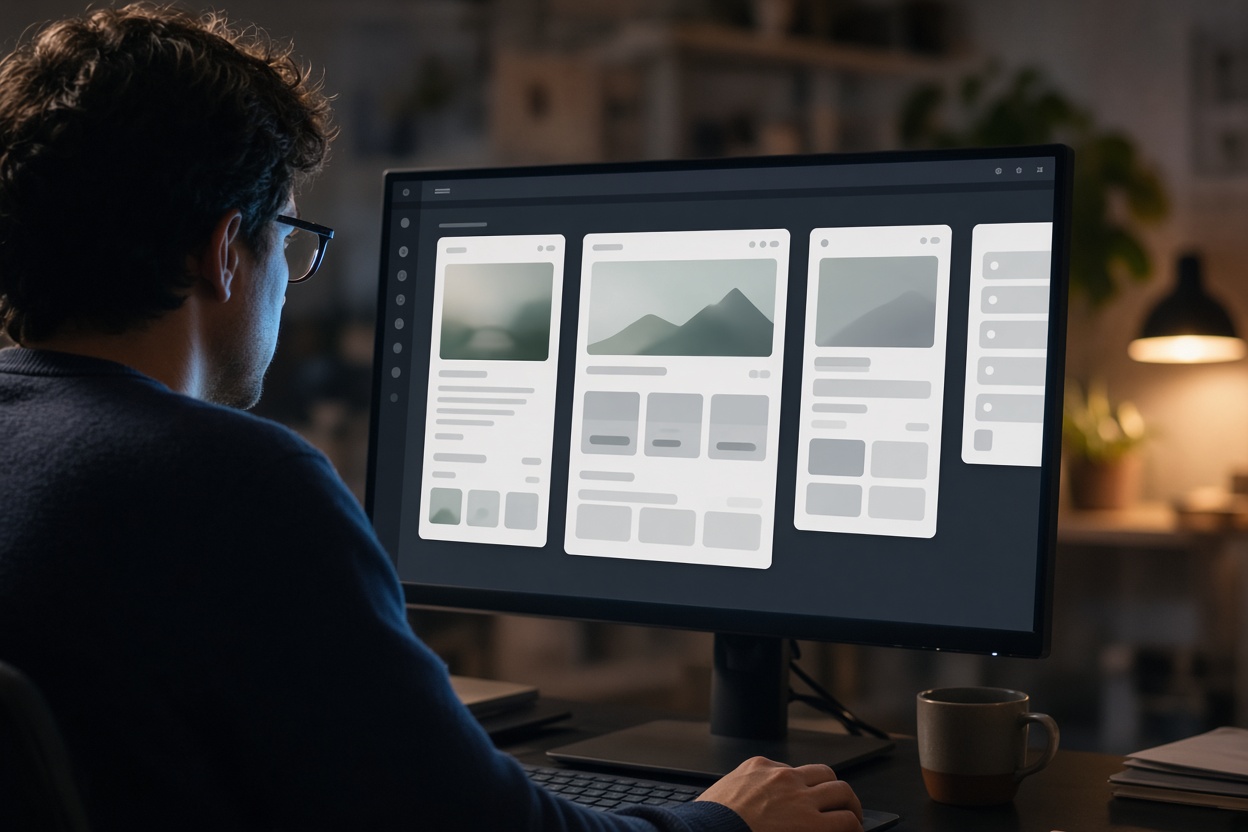
The loop is short on purpose. You run /design, get editable UI artboards, pick one or tweak it, then have Claude implement the choice in the same session. That is what the skill is built to do: keep mockups and implementation inside the agent loop developers already have open. The official post announces that in-session artboard loop; it does not retire Claude Design or the later handoff bundle.
What shipped
@ClaudeDevs put the product claim in one post: the new /design skill is a research preview. It brings Claude Design’s artboard workflow into the CLI and Desktop. You run /design to get editable artboards for your UI, then pick one, tweak it, and have Claude implement it.
A same-day recap of that announcement restates the same mechanics and names plan scope: Pro, Max, Team, and Enterprise, after a Claude Code update. There is not a separate Anthropic HTML product post for /design yet. Treat the official developer thread as the source of record, and treat the preview label as a warning that the command can still change shape.
The skill is not a new design model. It is a workflow import. Claude Design already existed, and it already knew how to hand work to Claude Code.
Claude Design was already the mockup surface
Anthropic launched Claude Design on April 17, 2026 as an Anthropic Labs product. The official announcement described a research preview for the same paid tiers — Pro, Max, Team, and Enterprise — powered by Claude Opus 4.7. The product was aimed at designs, prototypes, slides, one-pagers, and other visual work. You described what you needed; Claude built a first version; you refined it through conversation, inline comments, direct edits, or custom sliders.
That product already talked to Claude Code. When a design was ready to build, Claude packaged a handoff bundle you could pass to Claude Code with a single instruction. Product managers were explicitly in that story: sketch a feature flow in Claude Design, then hand it off for implementation.
/design collapses that two-app path. Instead of leaving the repo session, generating artboards on the Labs canvas, and shipping a bundle back, the artboard step now runs where the code already lives. The August recap of the developer announcement puts the practical change simply: you no longer have to switch tabs to the design surface and paste code back in.
How the session is supposed to go
The official developer post is the workflow spec:
- Run
/designin Claude Code CLI or Desktop. - Get editable artboards for the UI, rendered through the artifacts path the announcement names.
- Pick an option and tweak it.
- Have Claude implement the selected artboard.
The recap gives a prompt shape consistent with that: /design a few options for a feature, then choose a favorite, edit it, and implement. You describe the screen or feature. You do not have to specify a pixel-perfect layout. Implementation is meant to land in the same session, against your repo.
What the announcement does not spell out is just as important. It does not claim parity with a traditional design tool. It does not publish a standalone docs page. It does not say whether /design automatically applies a team design system the way full Claude Design can when it is given access to a codebase and design files. If you care about tokens and components matching production, review the artboard the same way you would any other generated UI. Automatic matching inside the Claude Code skill is unknown from the official post.
Why this is more than a slash command
Claude Code already sits in the repo. Claude Design already sat in a Labs product with a deliberate handoff. Putting artboards on artifacts inside CLI and Desktop shrinks the gap between “show me a few UI directions” and “write the code for this one.”
That matters for anyone who was already bouncing between a mockup surface and a terminal. The mockup and the implementation can share context: the same chat, the same files, the same agent. It also clarifies what you should not expect. A research-preview skill is a packaged workflow, not a requirement that every small UI tweak go through multi-option artboards.
The full Claude Design product still exists for the jobs the April launch listed — stakeholder-ready prototypes, decks, exports to PDF, PPTX, Canva, or standalone HTML, organization-scoped sharing, and design-system-aware exploration. /design is the developer-embedded slice of that workflow. Use it when you are already in a Claude Code session and you want options before you commit to implementation. Use Claude Design when you need the broader Labs canvas. The August skill does not replace that product; it imports one piece of it into the coding loop.
What to try next
Update Claude Code on Desktop or CLI, then check whether /design appears on your account. Try it on a single small feature rather than a full multi-screen flow. The explainx recap lists Pro, Max, Team, and Enterprise, but official Anthropic copy documents those tiers for Claude Design, not for the Claude Code skill. Pick an artboard, edit it, and only then ask Claude to implement. Review the result against your real components before you merge.
For the original product this skill imports, read Anthropic’s April 2026 Claude Design announcement. For the exact wording of what shipped on August 17, read the @ClaudeDevs post.